# PyQt-Frameless-Window
**Repository Path**: mll/PyQt-Frameless-Window
## Basic Information
- **Project Name**: PyQt-Frameless-Window
- **Description**: No description available
- **Primary Language**: Unknown
- **License**: GPL-3.0
- **Default Branch**: master
- **Homepage**: None
- **GVP Project**: No
## Statistics
- **Stars**: 0
- **Forks**: 0
- **Created**: 2025-01-04
- **Last Updated**: 2025-01-04
## Categories & Tags
**Categories**: Uncategorized
**Tags**: None
## README

PyQt-Frameless-Window
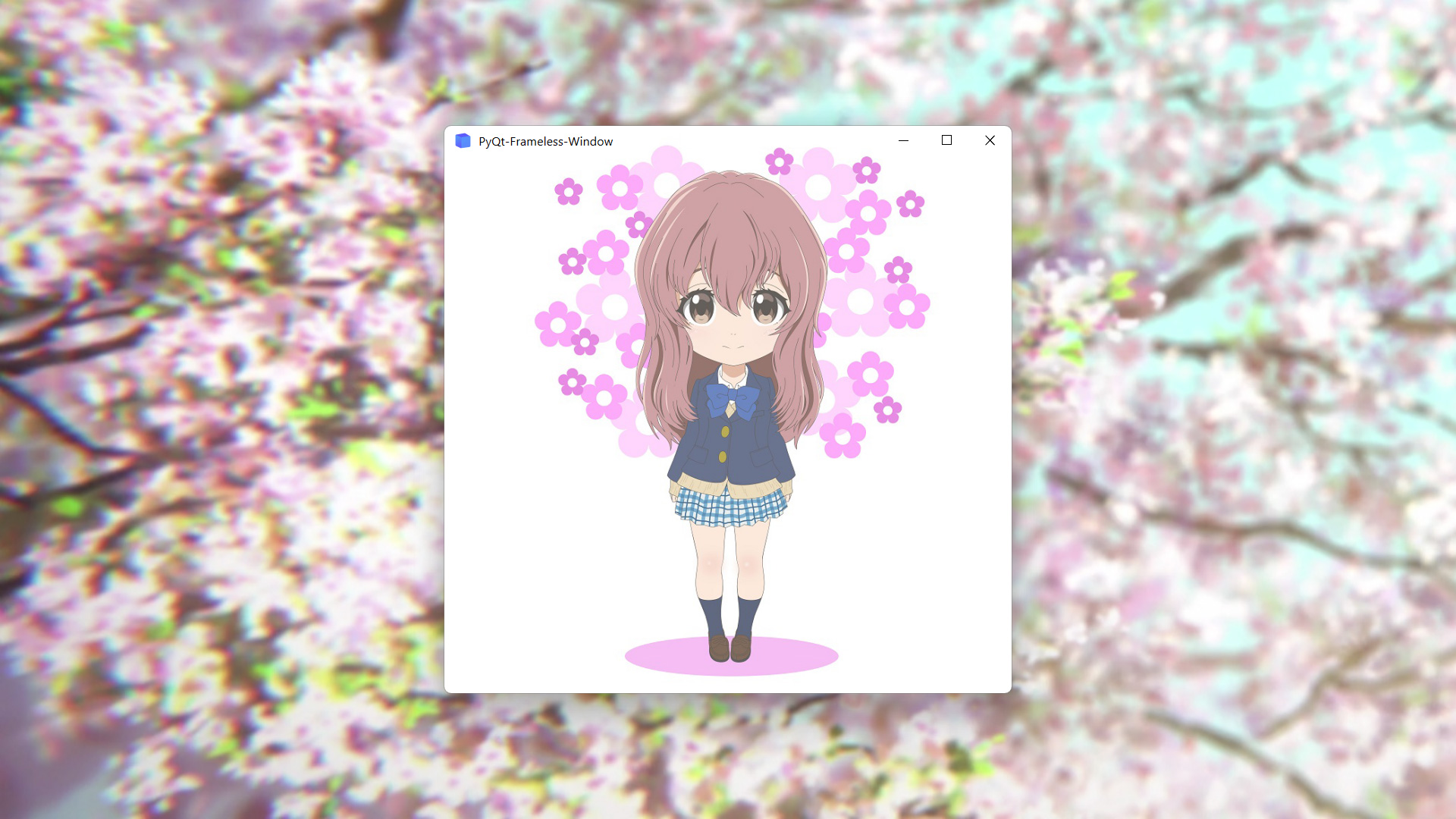
A cross-platform frameless window based on PyQt5



## Features
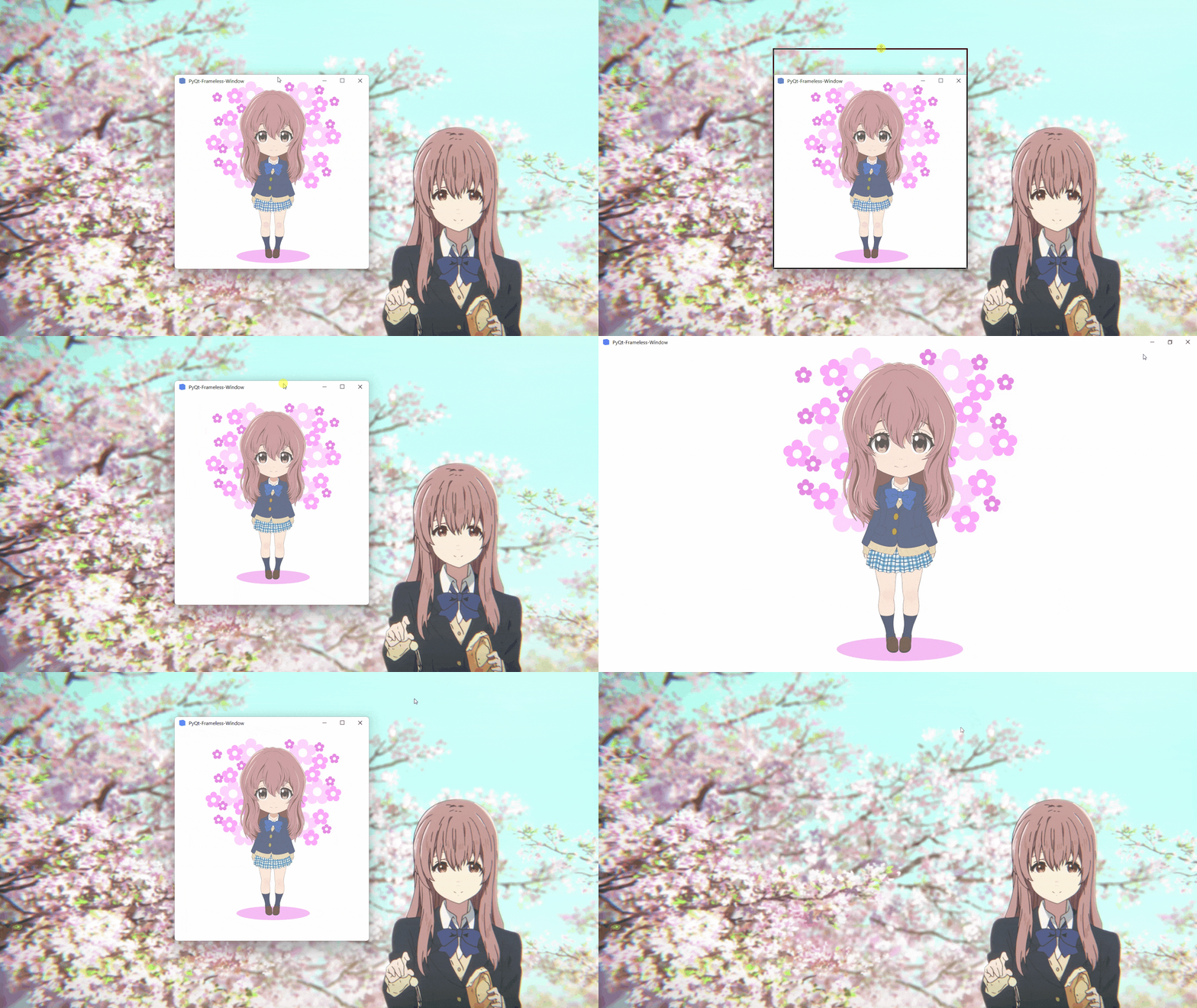
* Moving
* Stretching
* Window shadow
* Window animation
* Win11 snap layout
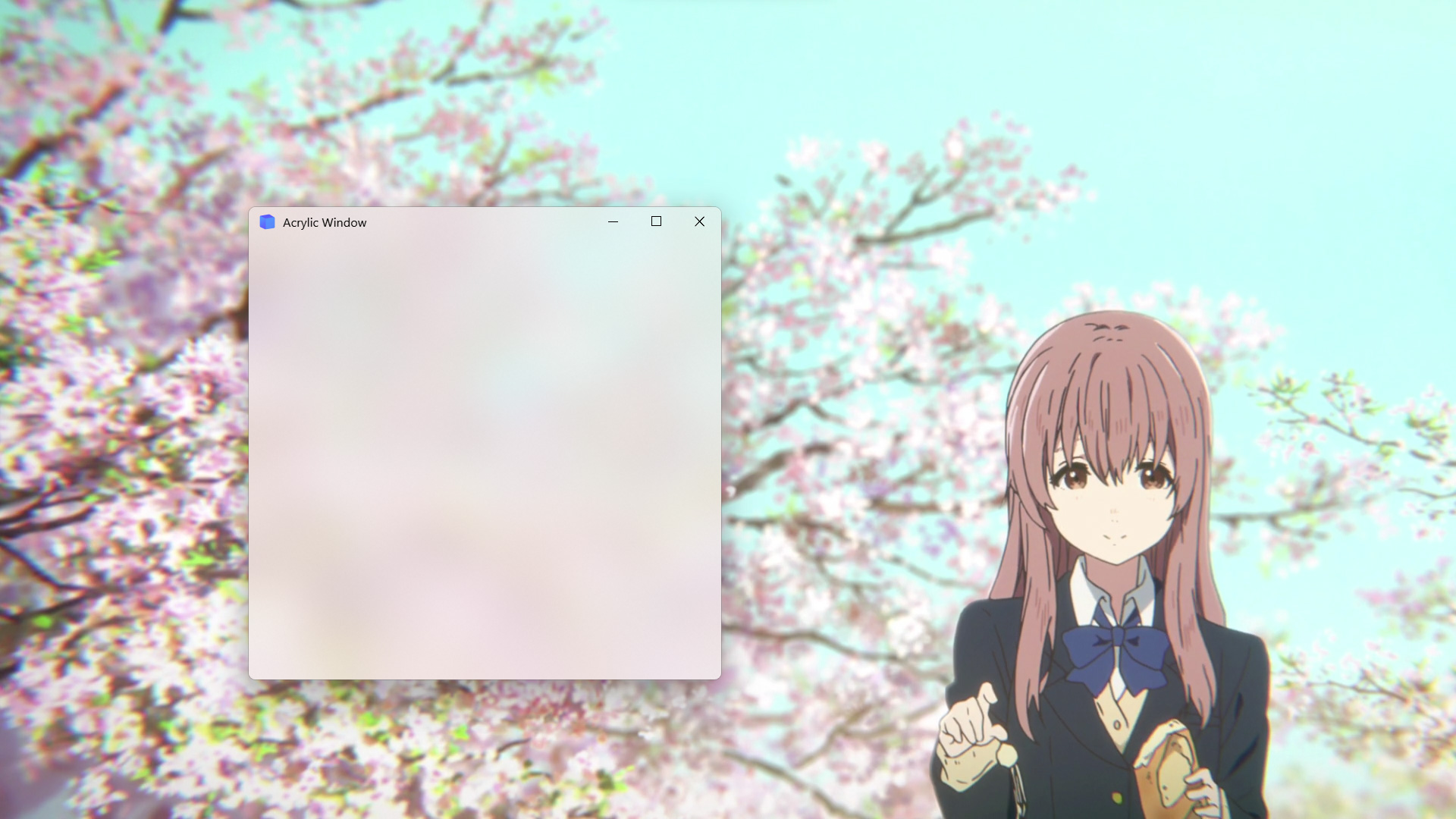
* Win10 acrylic blur
* Win11 mica blur
* Win7 Aero blur
* MacOS blur
## Install
To install use pip:
```shell
pip install PyQt5-Frameless-Window
```
Or clone the repo:
```shell
git clone https://github.com/zhiyiYo/PyQt-Frameless-Window.git
python setup.py install
```
## Requirements
| Platform | Requirement |
| :------: | :---------: |
| Win32 | pywin32 |
| Linux | xcffib |
| MacOS | pyobjc |
## Usage
To use the frameless window, you only need to inherit `FramelessWindow` or `FramelessMainWindow`. Here is a minimal example:
```python
import sys
from PyQt5.QtWidgets import QApplication
from qframelesswindow import FramelessWindow
class Window(FramelessWindow):
def __init__(self, parent=None):
super().__init__(parent=parent)
self.setWindowTitle("PyQt-Frameless-Window")
self.titleBar.raise_()
if __name__ == '__main__':
app = QApplication(sys.argv)
demo = Window()
demo.show()
sys.exit(app.exec_())
```
For more complex requirements, see [demo.py](https://github.com/zhiyiYo/PyQt-Frameless-Window/blob/master/examples/demo.py) and [main_window.py](https://github.com/zhiyiYo/PyQt-Frameless-Window/blob/master/examples/main_window.py).
## Examples
* Normal frameless window
* Acrylic frameless window
## Document
Want to know more about PyQt-Frameless-Window? Please read the [help document](https://pyqt-frameless-window.readthedocs.io/) 👈
## Notes
1. `FramelessWindow` provides a default custom title bar. If you don't like it, just rewrite it as [demo.py](https://github.com/zhiyiYo/PyQt-Frameless-Window/blob/master/examples/demo.py) does.
2. Moving the acrylic window on Win10 may get stuck. At present, there is no good solution. Maybe you can disable the acrylic effect when moving the window, but I haven't done this in the source code.
3. Snap layout is not enabled by default. See [#56](https://github.com/zhiyiYo/PyQt-Frameless-Window/issues/56) to learn how to enable it.
4. If you encounter this problem on Windows:
> ImportError: DLL load failed while importing win32api
see my answer on [stackoverflow](https://stackoverflow.com/questions/58612306/how-to-fix-importerror-dll-load-failed-while-importing-win32api/72488468#72488468) or my [blog](https://www.cnblogs.com/zhiyiYo/p/16340429.html) for the solution.
5. If you are using PySide2, PySide6 or PyQt6, you can download the code in [PySide2](https://github.com/zhiyiYo/PyQt-Frameless-Window/tree/Pyside2), [PySide6](https://github.com/zhiyiYo/PyQt-Frameless-Window/tree/PySide6) or [PyQt6](https://github.com/zhiyiYo/PyQt-Frameless-Window/tree/PyQt6) branch.
## Support
If this project helps you a lot and you want to support the development and maintenance of this project, feel free to sponsor me via [爱发电](https://afdian.net/a/zhiyiYo) or [ko-fi](https://ko-fi.com/zhiyiYo). Your support is highly appreciated 🥰
## See Also
Here are some projects that use PyQt-Frameless-Window:
* [**zhiyiYo/Groove**: A cross-platform music player based on PyQt5](https://github.com/zhiyiYo/Groove)
* [**zhiyiYo/Alpha-Gobang-Zero**: A gobang robot based on reinforcement learning](https://github.com/zhiyiYo/Alpha-Gobang-Zero)
* [**zhiyiYo/PyQt-Fluent-Widgets**: A fluent design widgets library based on Qt](https://github.com/zhiyiYo/PyQt-Fluent-Widgets)
* [**zhiyiYo/QMaterialWidgets**: A material design widgets library based on Qt](https://qmaterialwidgets.vercel.app)
## Reference
* [**wangwenx190/framelesshelper**: Frameless windows for Qt Widgets and Qt Quick applications. Support Win32, X11, Wayland and macOS](https://github.com/wangwenx190/framelesshelper)
* [**libxcb**: Basic Graphics Programming With The XCB Library](https://www.x.org/releases/X11R7.5/doc/libxcb/tutorial)
## License
PyQt-Frameless-Window is licensed under [GPLv3](./LICENSE).
Copyright © 2021 by zhiyiYo.