# tauri-ui **Repository Path**: lwenbin/tauri-ui ## Basic Information - **Project Name**: tauri-ui - **Description**: No description available - **Primary Language**: Unknown - **License**: Not specified - **Default Branch**: master - **Homepage**: None - **GVP Project**: No ## Statistics - **Stars**: 0 - **Forks**: 0 - **Created**: 2024-05-15 - **Last Updated**: 2024-05-15 ## Categories & Tags **Categories**: Uncategorized **Tags**: None ## README > updates soon
crab tauri-ui

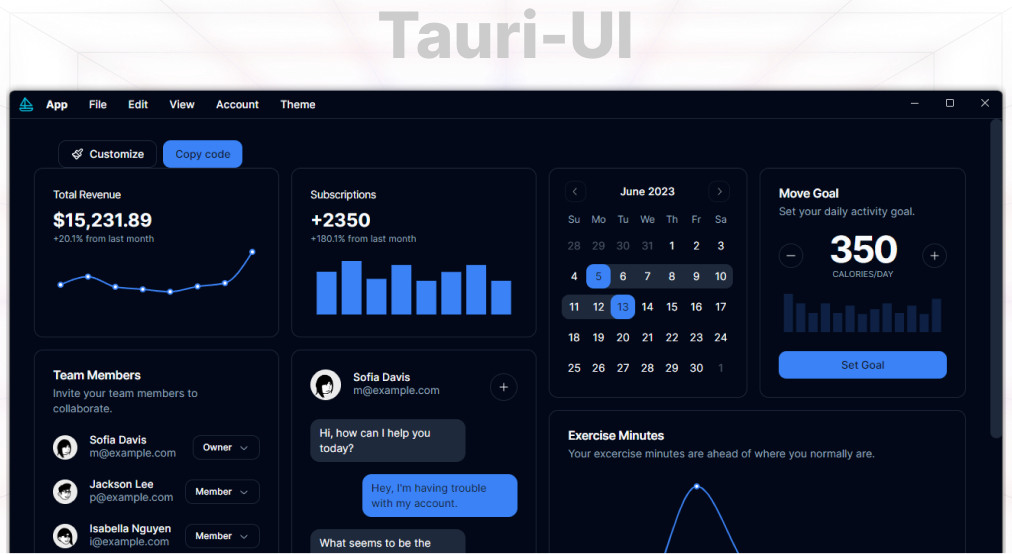
Create modern Tauri desktop apps in just a few simple steps. Tauri UI Templates is a starting point for building modern desktop applications with web technologies with using [shadcn/ui](https://github.com/shadcn/ui), [Tauri](https://github.com/tauri-apps/tauri).
> _You can download pre-built final bundles from the [Releases](https://github.com/agmmnn/tauri-ui/releases) section._ ## Getting Started Use [create-tauri-ui](https://npmjs.com/package/create-tauri-ui) to quickly scaffold a Tauri UI project. ```bash pnpm create tauri-ui ```
```bash npx create-tauri-ui@latest pnpm create tauri-ui npm create tauri-ui@latest yarn create tauri-ui ``` Then follow the prompts! You can also directly specify the project name and the template you want to use via additional command line options. For example, to scaffold a Tauri-UI project, run: ```bash # npm 7+, extra double-dash is needed: npm create tauri-ui@latest my-tauri-app -- --template vite # yarn yarn create tauri-ui my-tauri-app --template next # pnpm pnpm create tauri-ui my-tauri-app --template sveltekit ```
![cli](https://github.com/agmmnn/tauri-ui/assets/16024979/86bf3b81-8671-4de3-bb48-7fb24fe48802) You can use `.` for the project name to scaffold in the current directory.
Or clone the repository ```bash gh repo clone agmmnn/tauri-ui cd tauri-ui/templates/