





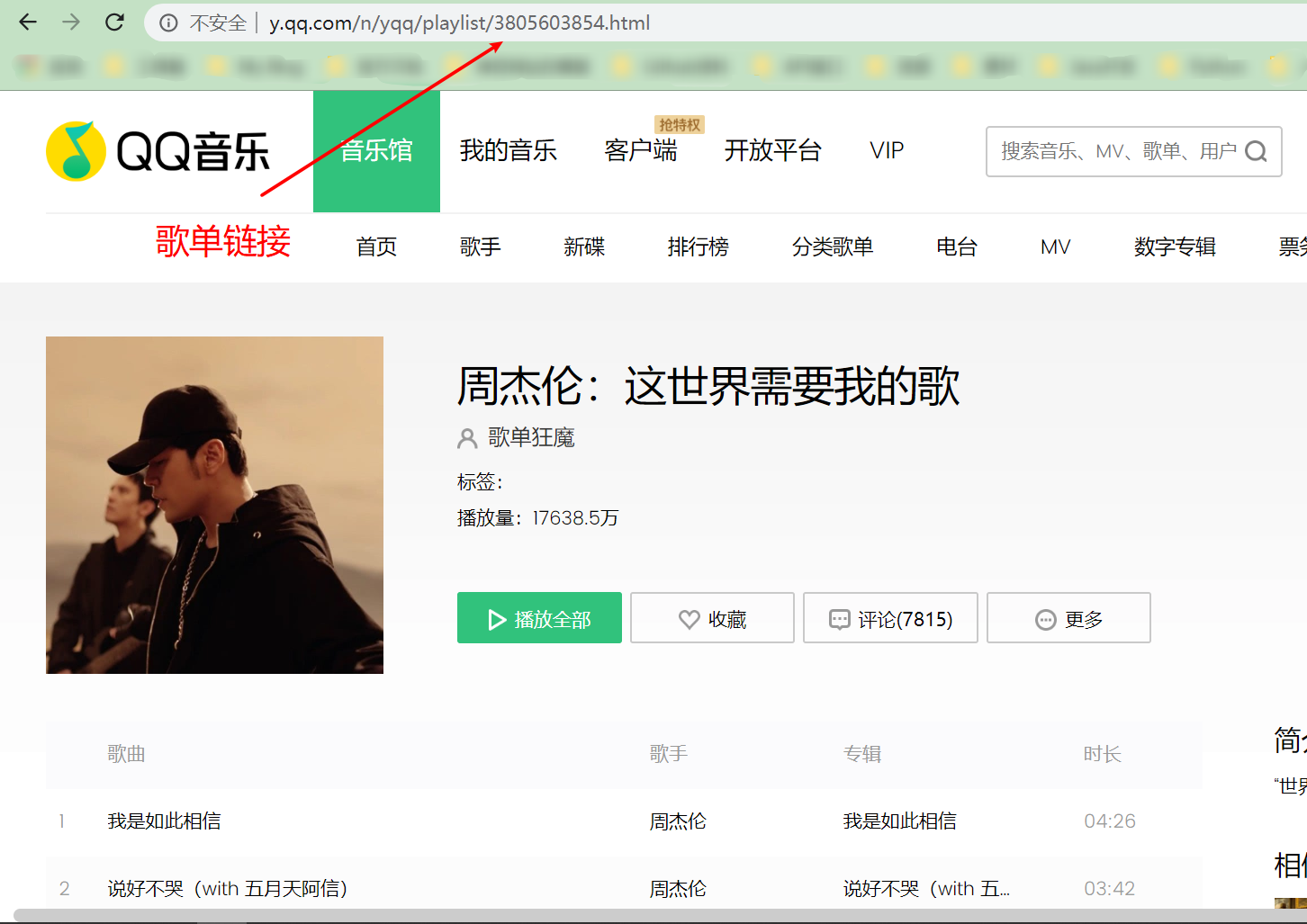
 #### 2.手机网页,打开歌单详情页面
https://i.y.qq.com/n2/m/share/details/taoge.html?ADTAG=newyqq.taoge&id=3805603854
#### 2.手机网页,打开歌单详情页面
https://i.y.qq.com/n2/m/share/details/taoge.html?ADTAG=newyqq.taoge&id=3805603854
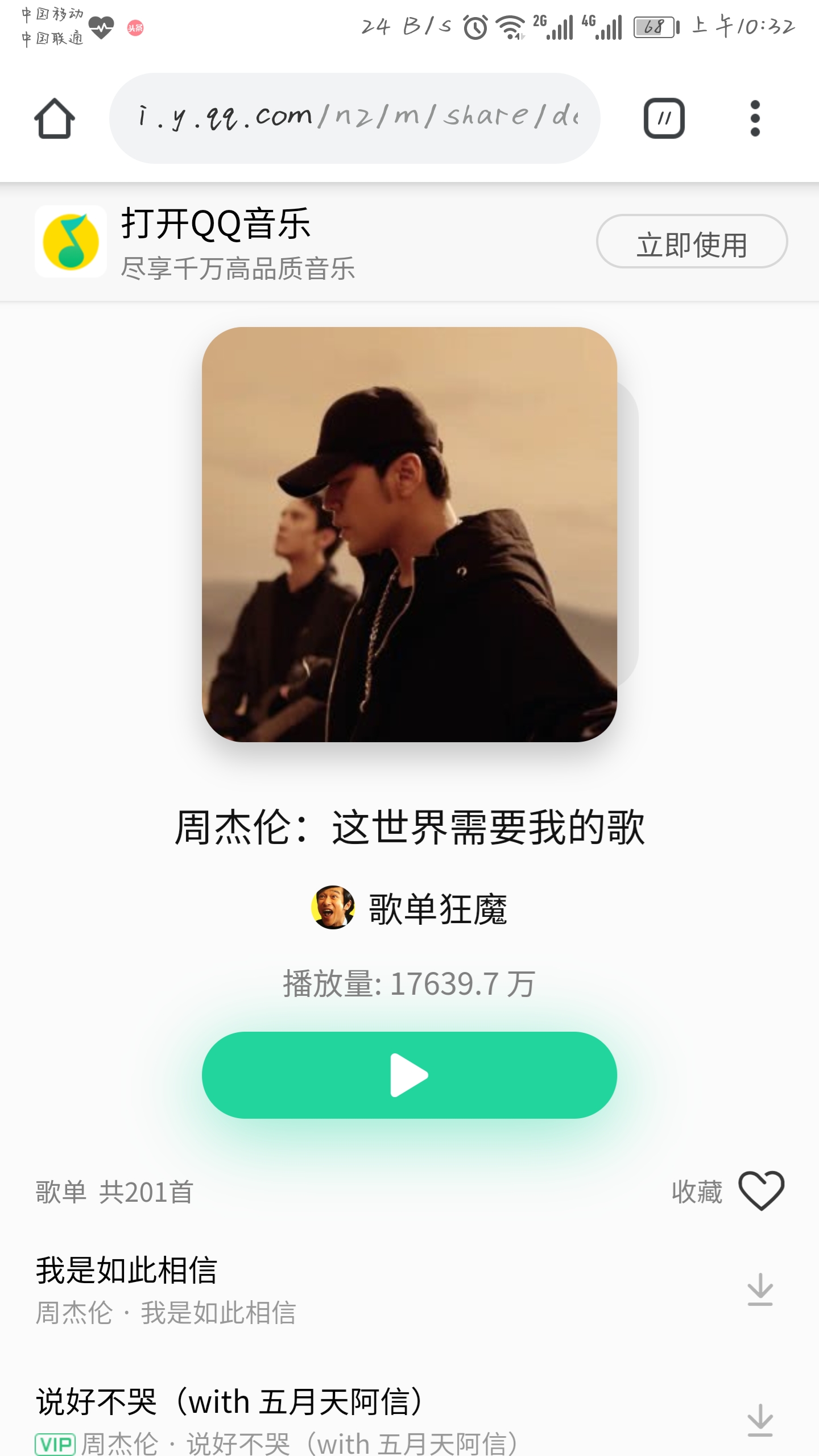 ### 3.手机QQ音乐APP获取链接
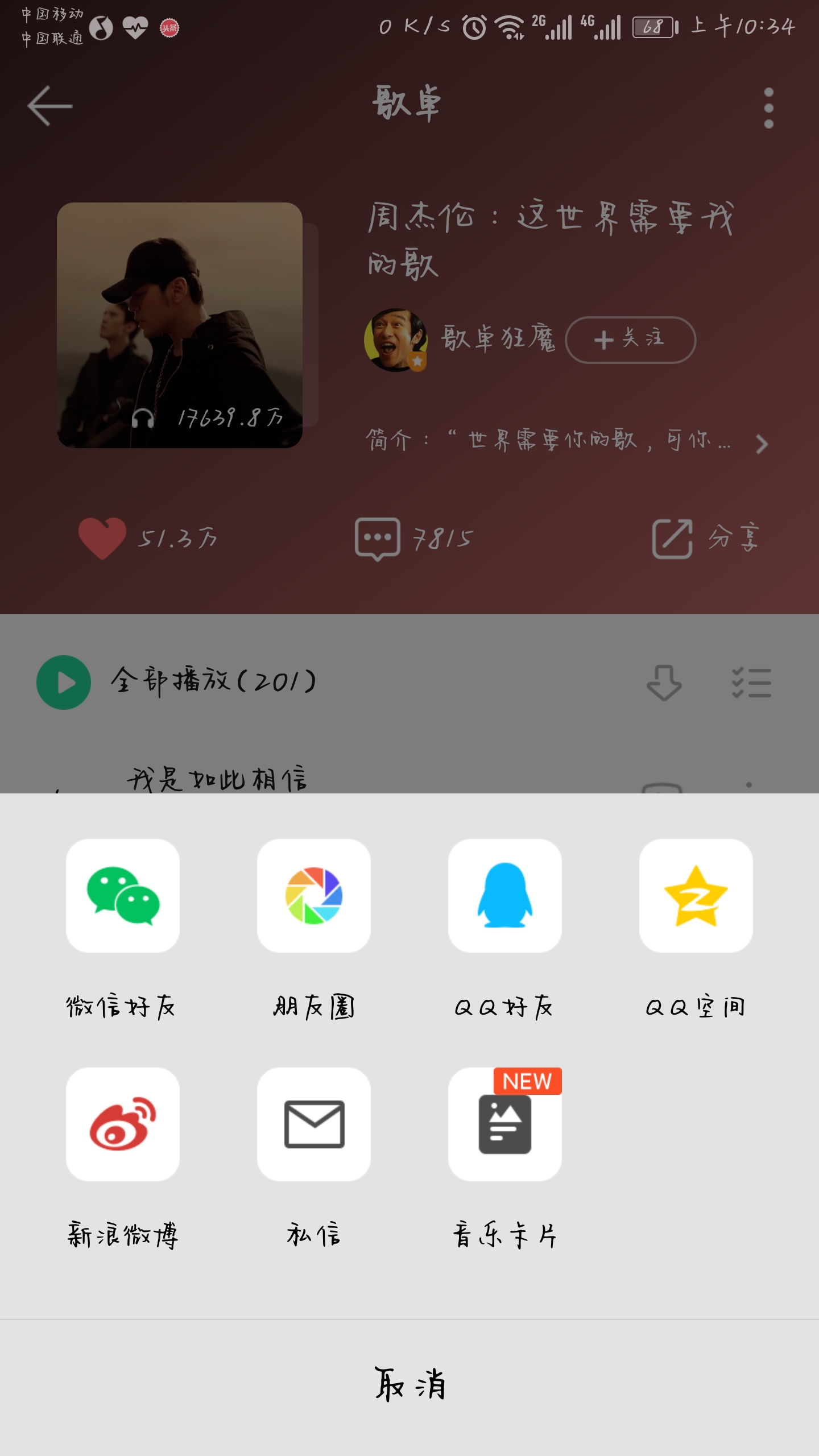
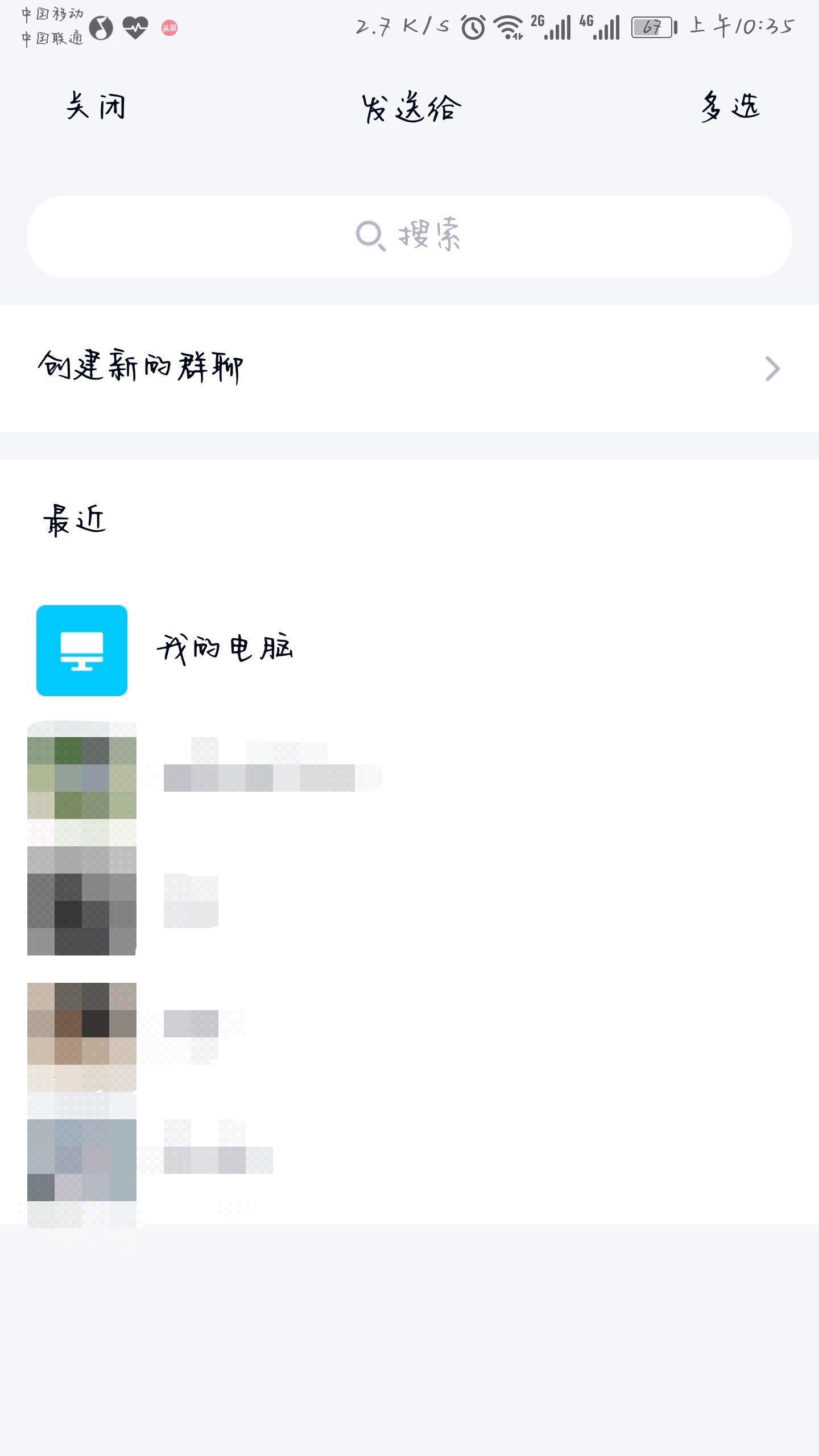
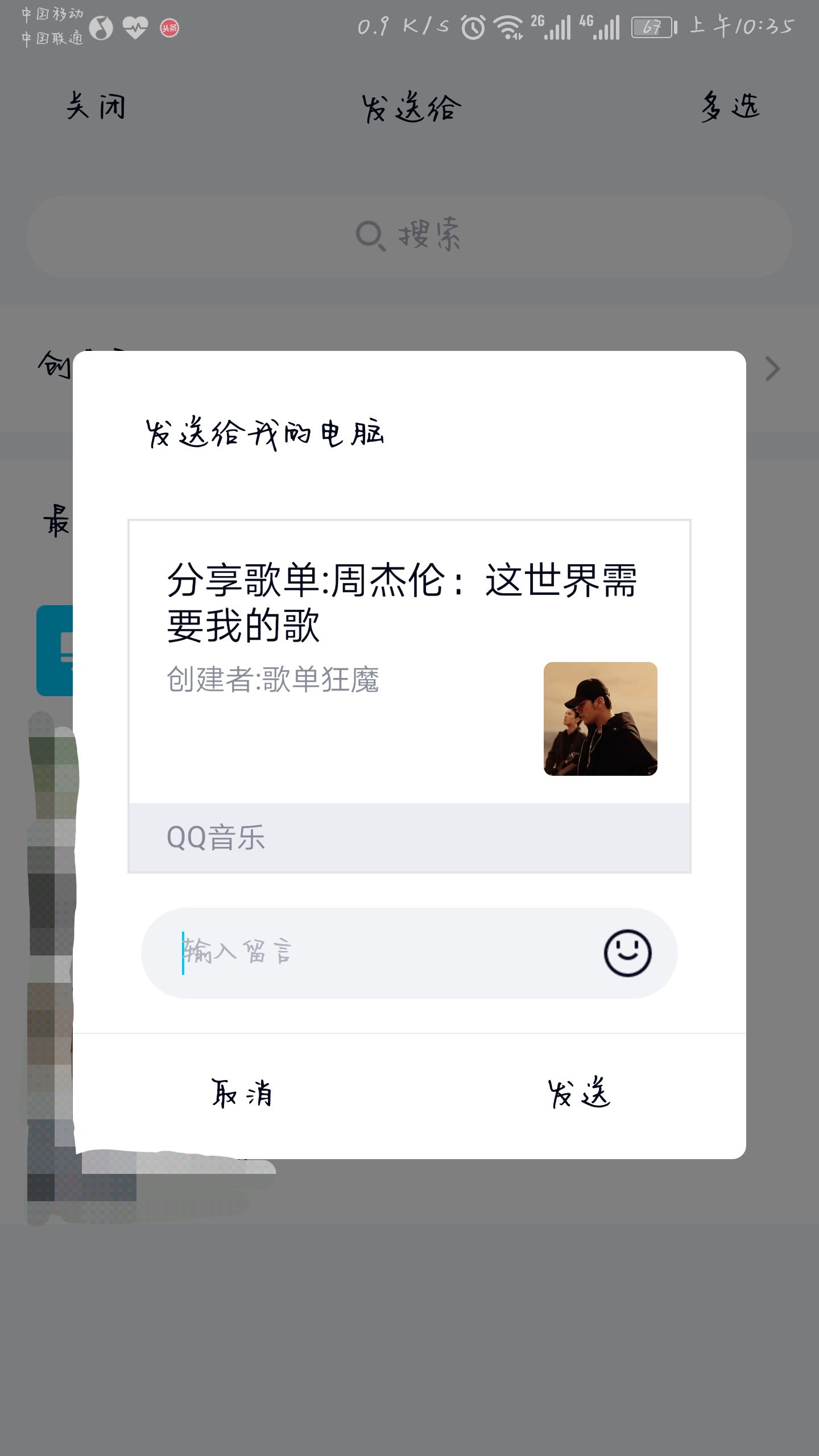
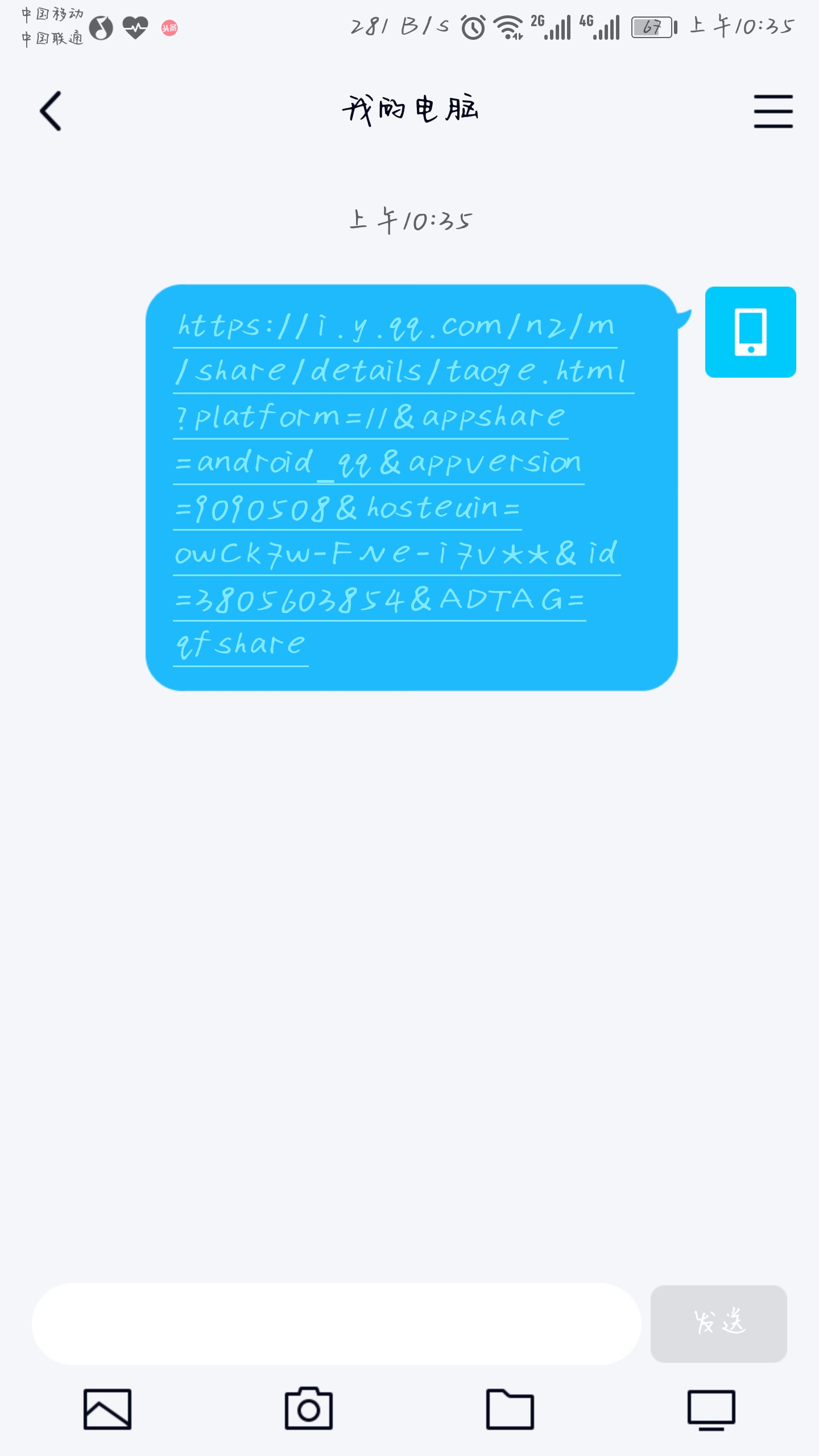
步骤:分享到**QQ**,选择**我的电脑**,就可以获得链接
[https://i.y.qq.com/n2/m/share/details/taoge.html?platform=11&appshare=android_qq&appversion=9090508&hosteuin=owCk7w-FNe-i7v**&id=3805603854&ADTAG=qfshare](https://i.y.qq.com/n2/m/share/details/taoge.html?platform=11&appshare=android_qq&appversion=9090508&hosteuin=owCk7w-FNe-i7v**&id=3805603854&ADTAG=qfshare)
### 3.手机QQ音乐APP获取链接
步骤:分享到**QQ**,选择**我的电脑**,就可以获得链接
[https://i.y.qq.com/n2/m/share/details/taoge.html?platform=11&appshare=android_qq&appversion=9090508&hosteuin=owCk7w-FNe-i7v**&id=3805603854&ADTAG=qfshare](https://i.y.qq.com/n2/m/share/details/taoge.html?platform=11&appshare=android_qq&appversion=9090508&hosteuin=owCk7w-FNe-i7v**&id=3805603854&ADTAG=qfshare)
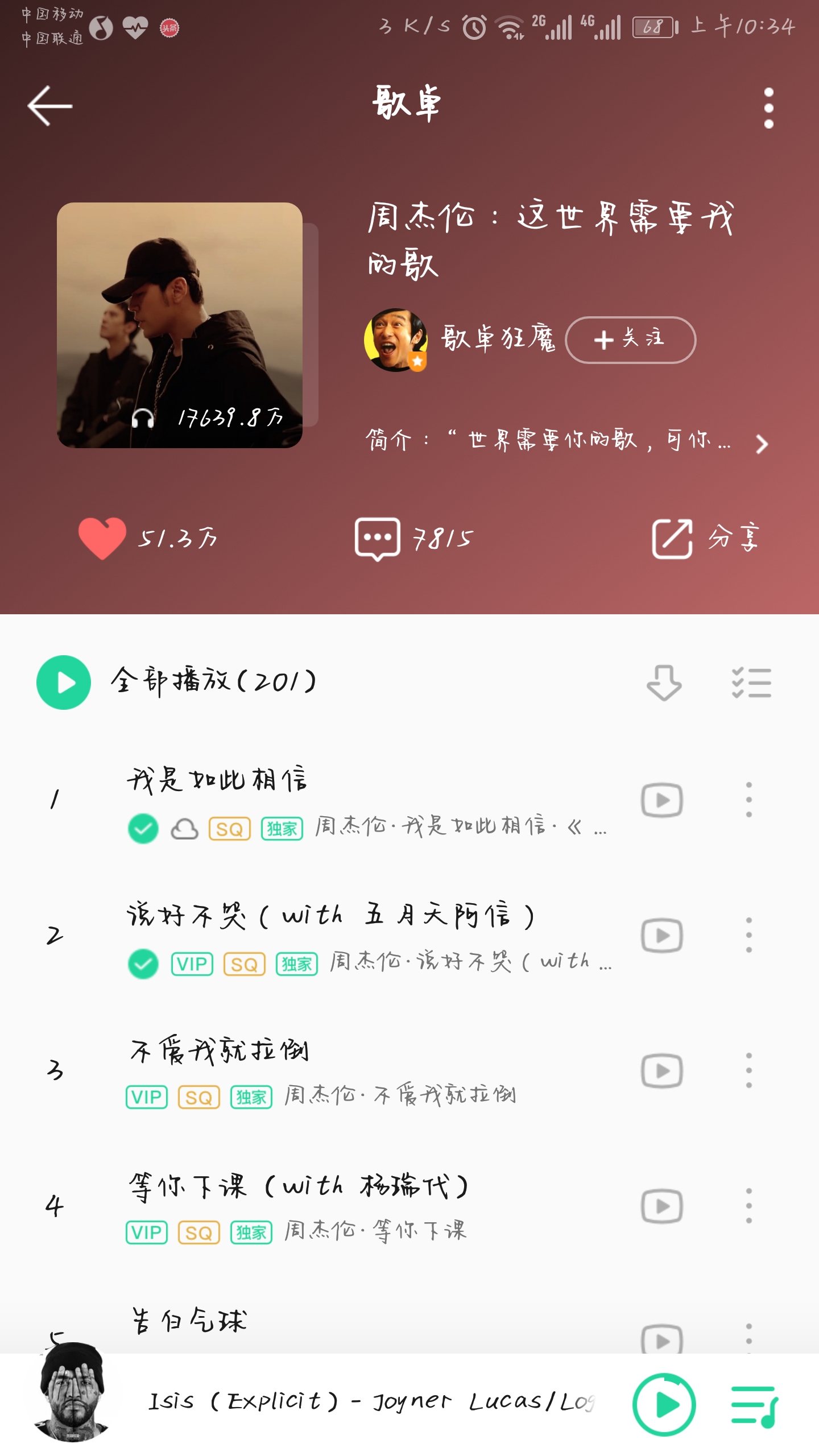
 ### 4.直接输入歌单ID
可以直接输入id进行解析,以上三个链接里的ID都为:3805603854
## 二、试听歌曲
### 1.电脑端
双击歌曲,或者点击对应歌曲的试听按钮

点击后即可出现这样的页面

### 2.手机端
选中歌曲,点击试听按钮即可
## 三、下载歌曲
> 注意:因为采用Blob下载方式,下载工作会在后台进行,所以点击下载后,需要几秒时间在后台,下载完成后才会提醒,请不要着急,也不要刷新页面
### 1.单首歌曲下载
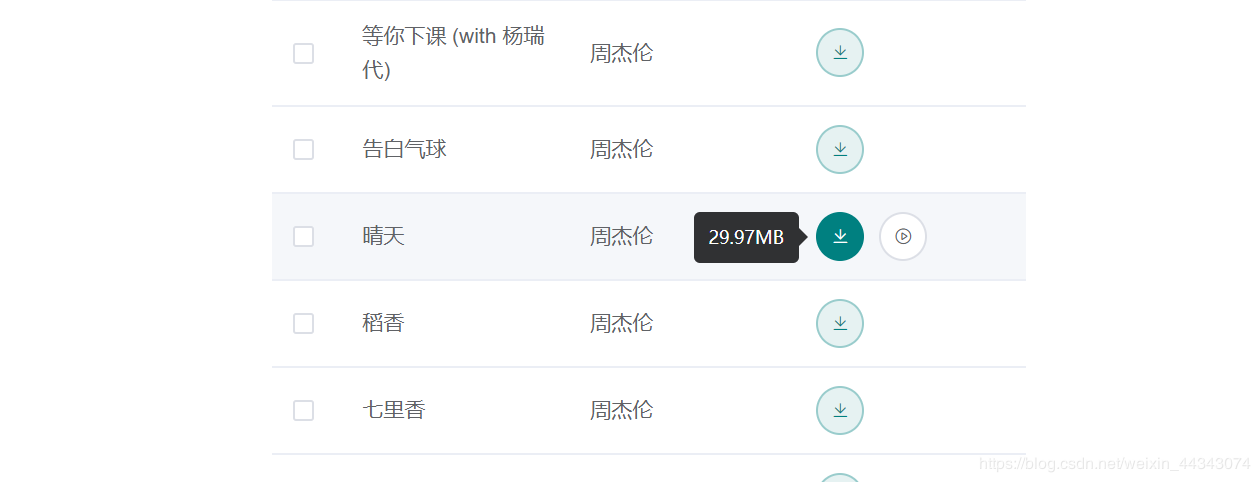
直接点击对于歌曲的下载按钮即可,并且歌曲支持文件大小预览,默认优先下载无损音质,如果没有无损,则下载高清音质,以此类推,注意自己流量哦,建议Wifi网络环境下下载。
### 4.直接输入歌单ID
可以直接输入id进行解析,以上三个链接里的ID都为:3805603854
## 二、试听歌曲
### 1.电脑端
双击歌曲,或者点击对应歌曲的试听按钮

点击后即可出现这样的页面

### 2.手机端
选中歌曲,点击试听按钮即可
## 三、下载歌曲
> 注意:因为采用Blob下载方式,下载工作会在后台进行,所以点击下载后,需要几秒时间在后台,下载完成后才会提醒,请不要着急,也不要刷新页面
### 1.单首歌曲下载
直接点击对于歌曲的下载按钮即可,并且歌曲支持文件大小预览,默认优先下载无损音质,如果没有无损,则下载高清音质,以此类推,注意自己流量哦,建议Wifi网络环境下下载。

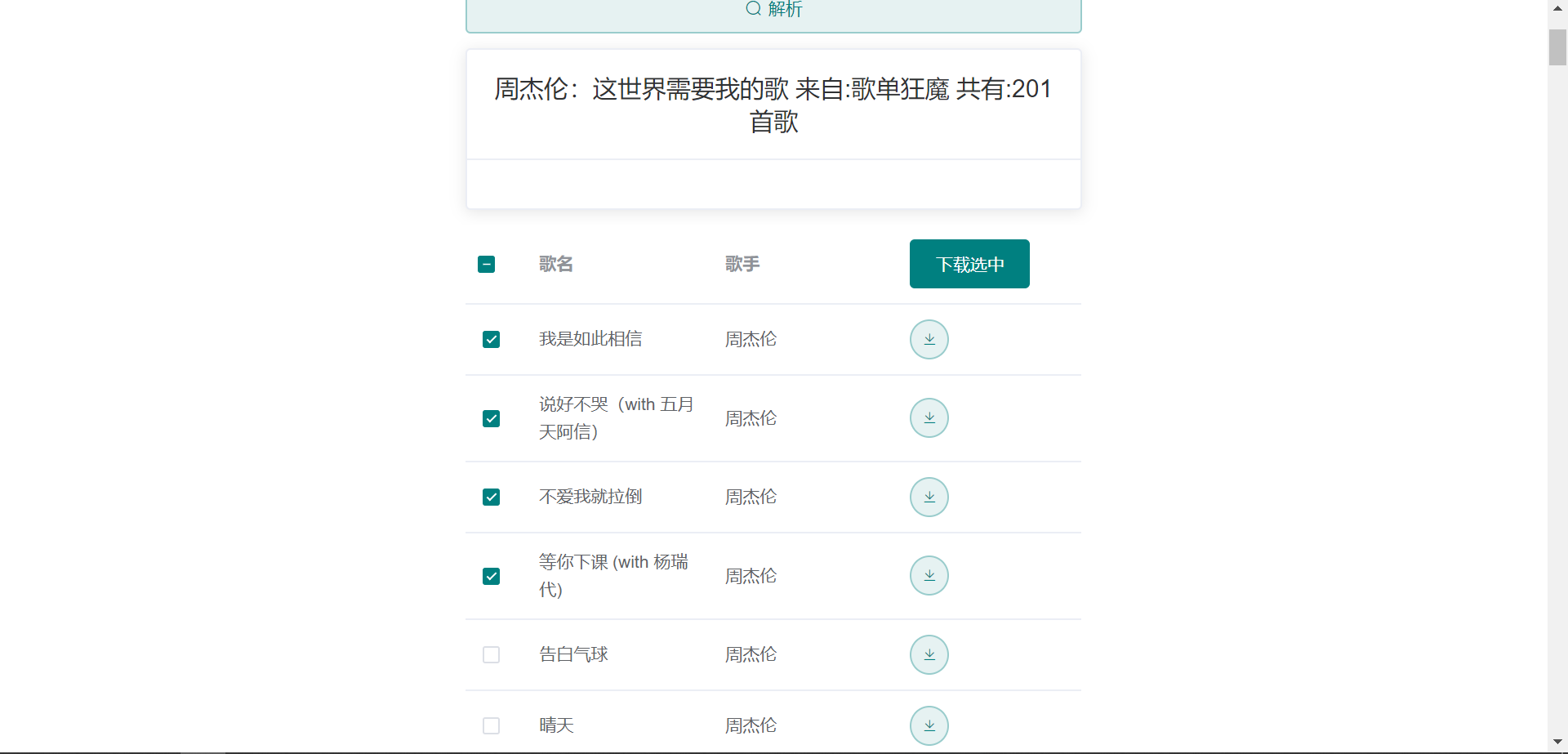
 ### 2.多选下载
> 注意:手机端可能无法使用多选下载功能
只需要勾选对应歌曲的选择框,再点击下载选中按钮即可


### 2.多选下载
> 注意:手机端可能无法使用多选下载功能
只需要勾选对应歌曲的选择框,再点击下载选中按钮即可


