# httpsok
**Repository Path**: JYB-org/httpsok
## Basic Information
- **Project Name**: httpsok
- **Description**: 🔥🔥🔥 一行命令,轻松搞定SSL证书自动续期。
nginx证书自动续签,SSL证书管理,SSL证书 自动续期,SSL 证书自动更新,https证书管理,https证书管理,免费证书,TLS证书自动续签,nginx证书自动续期工具,nginx证书管理。从此告别Let's Encrypt
- **Primary Language**: Shell
- **License**: MIT
- **Default Branch**: main
- **Homepage**: https://httpsok.com/doc/
- **GVP Project**: No
## Statistics
- **Stars**: 0
- **Forks**: 95
- **Created**: 2024-04-07
- **Last Updated**: 2024-04-07
## Categories & Tags
**Categories**: Uncategorized
**Tags**: None
## README


## Introduction
**httpsok** is a convenient HTTPS certificate auto-renewal tool designed specifically for Nginx and OpenResty servers. It has served numerous small and medium-sized enterprises, offering stability, security, and reliability.
**One command, easily renew SSL certificates**
## Documentation
- Documentation: [https://httpsok.com/doc/](https://httpsok.com/doc/)
## Features
- ⚡️ **Simple and Efficient**: With just one command, effortlessly renew SSL certificates within a minute.
- ✅ **Automatic Detection**: No need to worry about Nginx configuration; it automatically identifies certificate configurations, suitable for older systems and complex production environments.
- ✅ **Wildcard Resolutions, Multiple Domains, Multiple Servers**: Easily handle diverse scenarios.
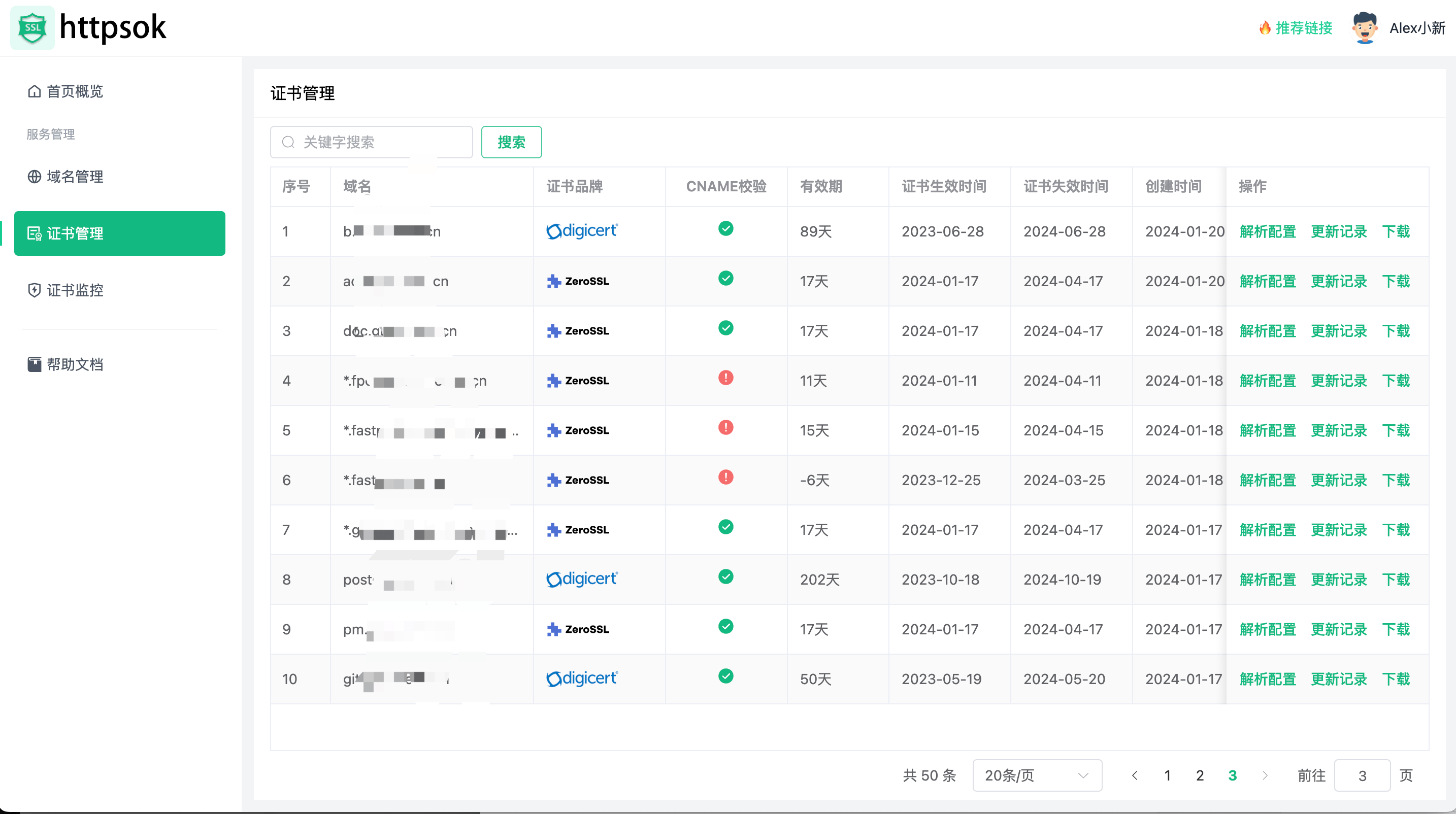
- ✅ **Certificate Monitoring**: Provides push notifications via public accounts for certificates approaching expiration.
- ✅ **Good Compatibility**: Compatible with mainstream Linux systems such as `Debain` `CentOS` `Ubuntu` `TencentOS`.
# Quick Start
## Install httpsok
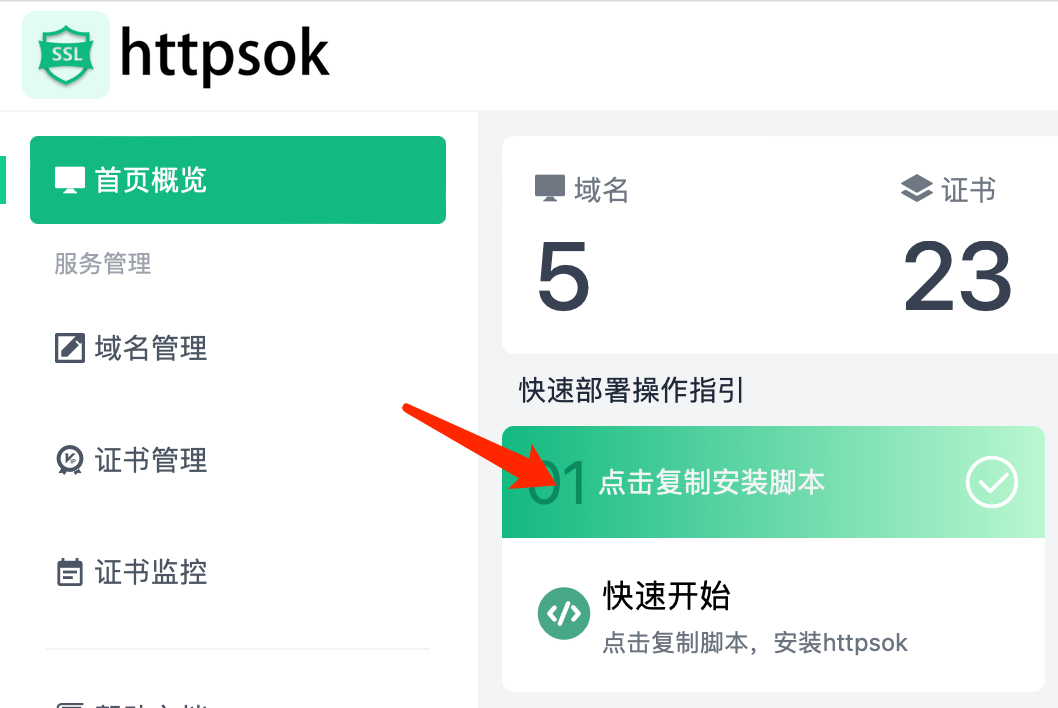
👉 👉 👉 **[Get the full installation script](https://httpsok.com/?p=4c9n)**
[//]: # ( )
```bash
curl -s https://get.httpsok.com | bash -s 'your token'
```
## Installation Success
After successful installation, it will automatically check the `nginx` certificates in the system.
## DNS Configuration
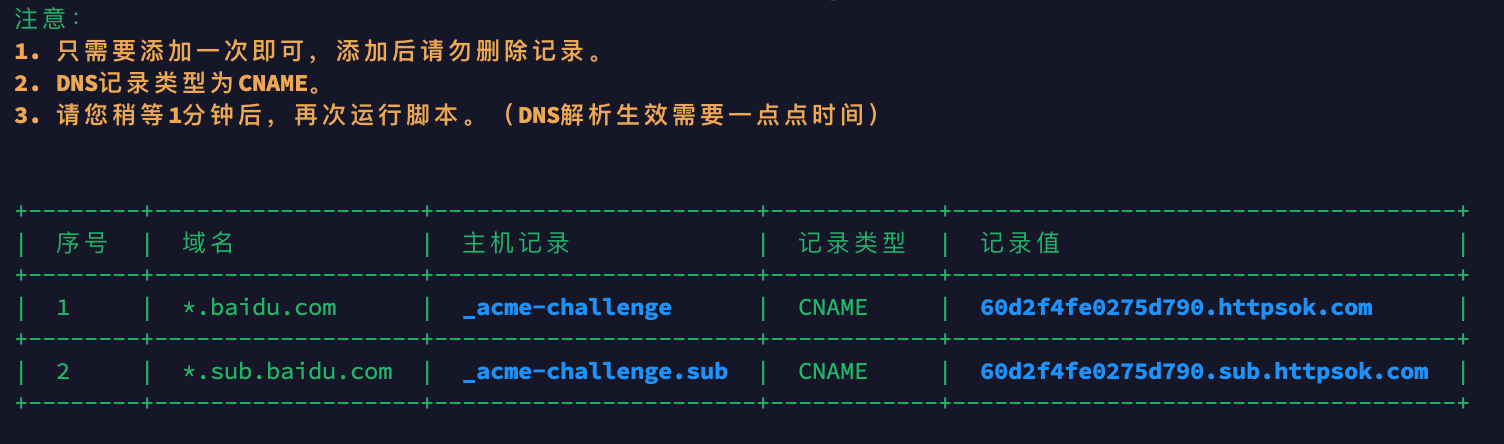
Add a DNS resolution record of type **CNAME**, and it only needs to be added once.
**After successful addition, please wait for approximately 1 minute** (it takes a little while for DNS to take effect), and then run the installation script again.
**Solution:** Refer to [DNS Resolution](https://httpsok.com/doc/guide/dns.html)
## Well Done
## Issue Feedback
Author's WeChat: Please mention `httpsok`
)
```bash
curl -s https://get.httpsok.com | bash -s 'your token'
```
## Installation Success
After successful installation, it will automatically check the `nginx` certificates in the system.
## DNS Configuration
Add a DNS resolution record of type **CNAME**, and it only needs to be added once.
**After successful addition, please wait for approximately 1 minute** (it takes a little while for DNS to take effect), and then run the installation script again.
**Solution:** Refer to [DNS Resolution](https://httpsok.com/doc/guide/dns.html)

## Well Done

## Issue Feedback
Author's WeChat: Please mention `httpsok`